Chrome extension · digital diet
Diet-Youtube
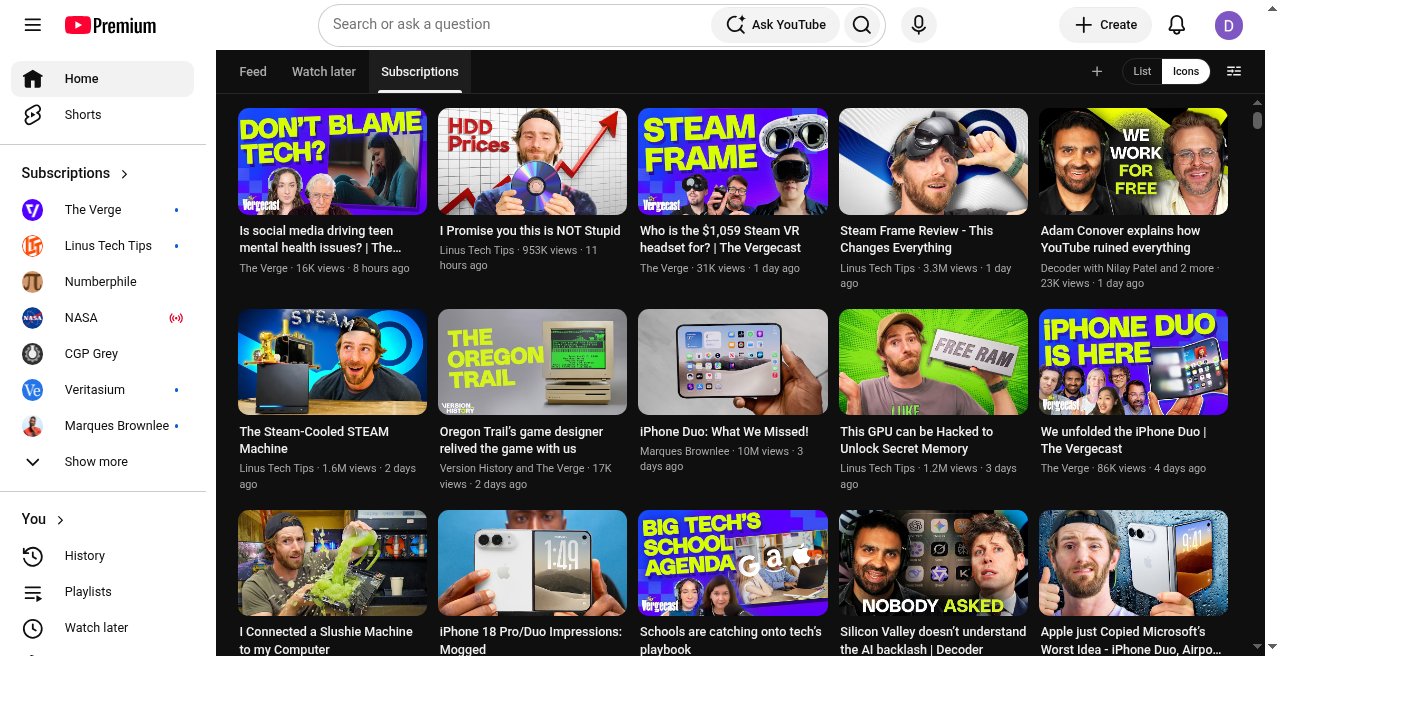
Replace YouTube’s impulse Home with a queue-first reading surface. Watch later first. The algorithm stays one click away.
Watch later home
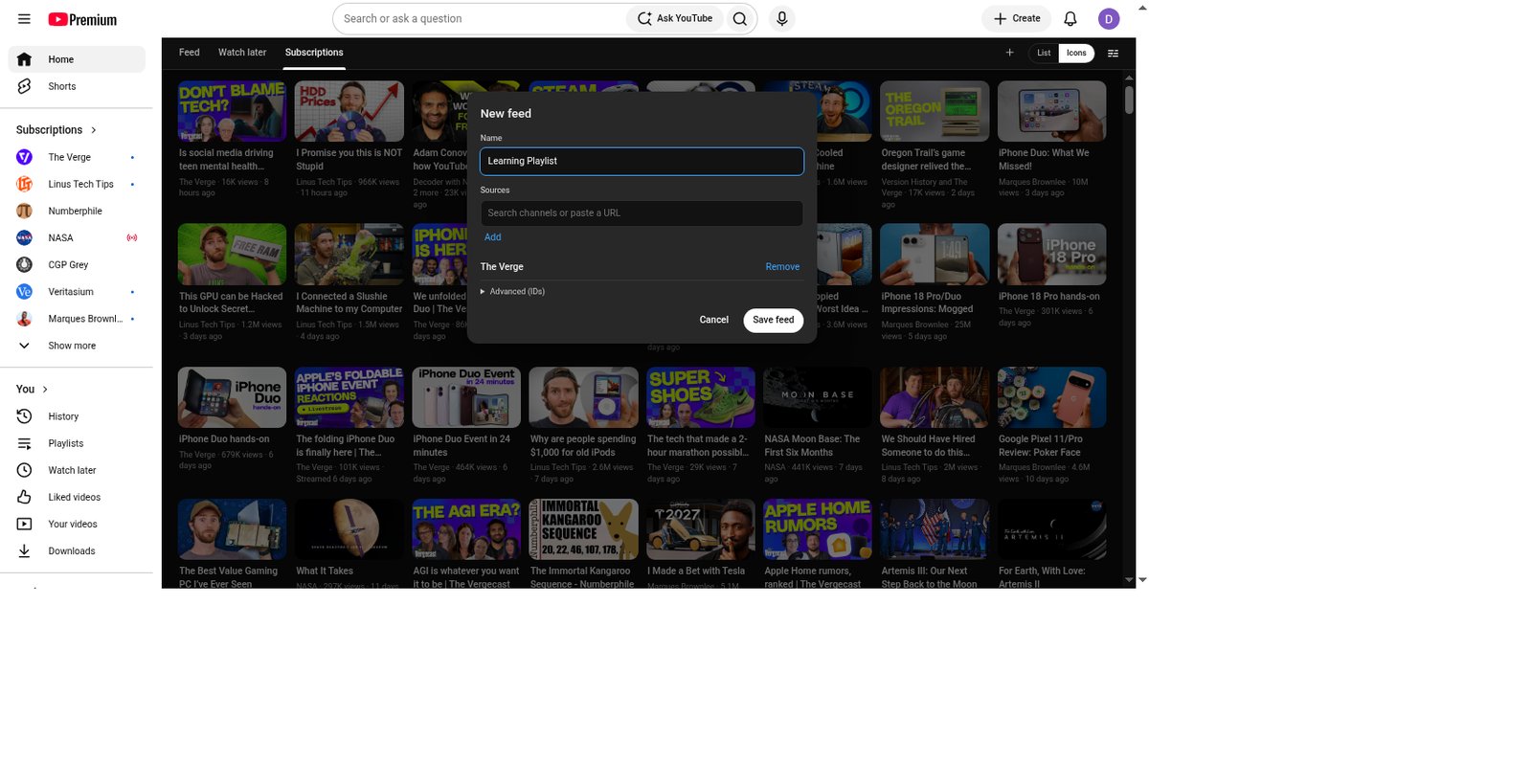
Custom feeds
No backend
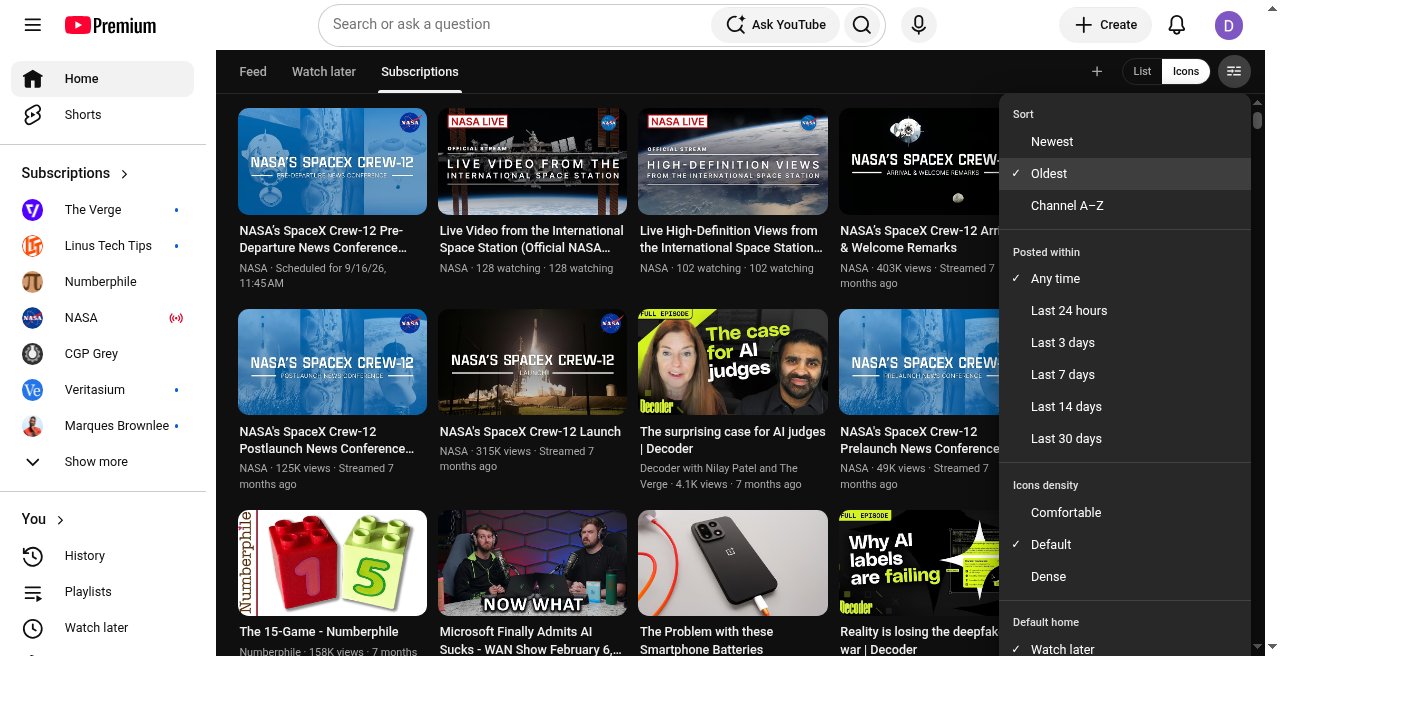
How it looks
Install
- Clone or download artvandelay/diet-youtube.
- Open Chrome →
chrome://extensions. - Turn on Developer mode.
- Click Load unpacked and select the folder with
manifest.json. - Open youtube.com while signed in.
What you get
- Queue-first home: Watch later (or your default playlist).
- Feed only after an explicit tab click.
- New feeds (+) — name one and add channels or playlists.
- Icons + List; Comfortable / Default / Dense.
- Cache-first tab switches with background refresh.
- Runs only in your browser — no Diet-Youtube backend.